Input
Read a request, a log line, or a short brief without adding noise.
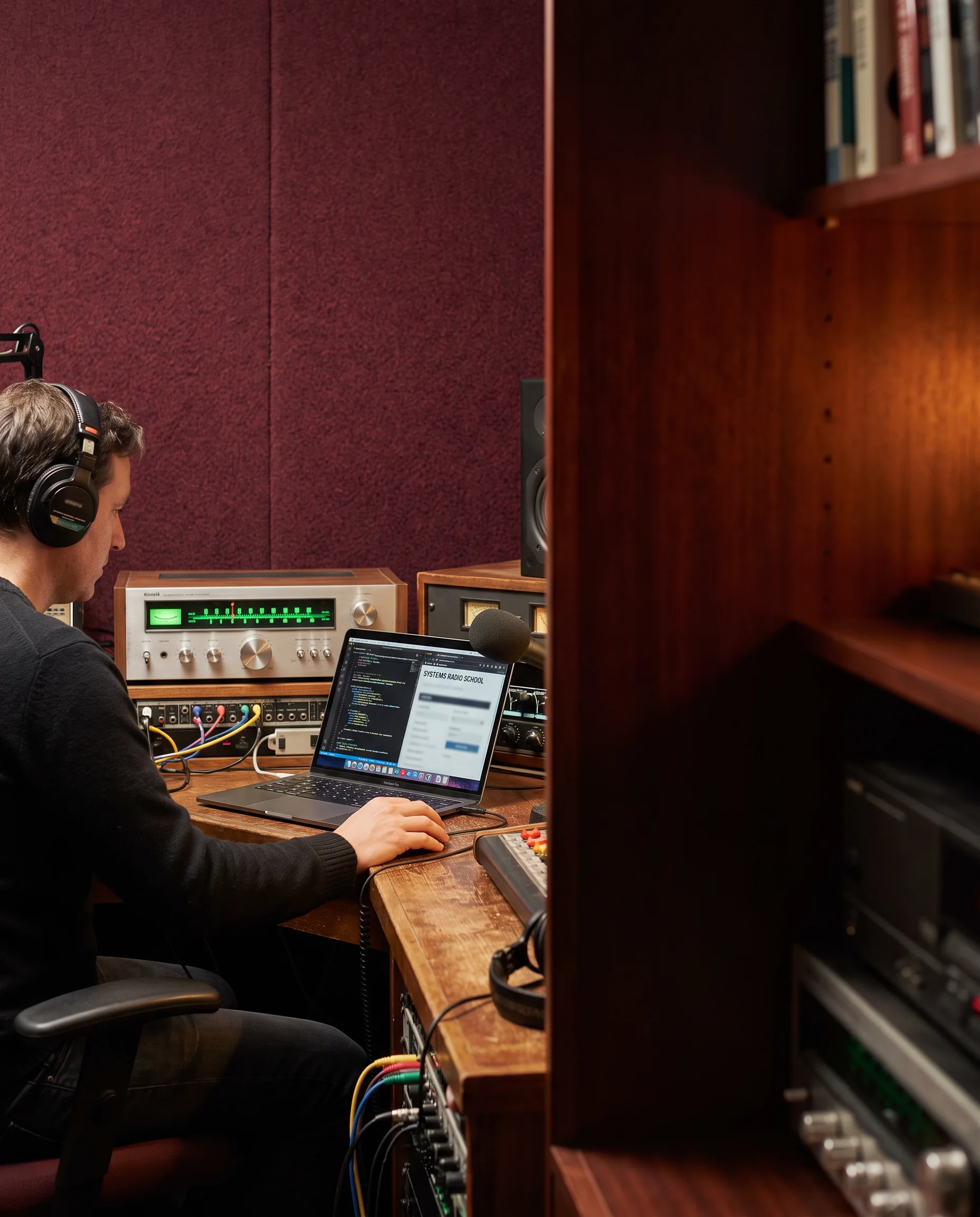
Joparexo is an English-language learning room for people who want to hear how systems connect: from command lines and networks to cloud services and reliable handoffs.
NOW TUNING · foundations / systems
Each frequency is a learning route, not a promise of a job title. Pick the signal you want to investigate; the readout changes with the dial.
Start with how computers speak: files, processes, terminals, binary, and the everyday habits of careful system observation.
 The tuning desk
You do not need to arrive with a polished technical identity. This scale is a practical way to check what will make the first sessions clearer.
Any reliable computer that can run a current browser, an editor, and a terminal is a sound starting receiver.
Materials and discussion are in English. You can look up unfamiliar language; precision matters more than speed.
Reserve moments to replay a lab, write a note, or test one change. Systems knowledge strengthens through return visits.
We ask “what happened?” before “what should I click?” That habit is more valuable than a memorized shortcut.
Good technical learning is not a stack of isolated tools. The lab bench makes the connection points visible before you start changing the wires.
Read a request, a log line, or a short brief without adding noise.
Write a small command, query, or configuration with a reason for every part.
Check the response, name the evidence, and prepare a calm next handoff.
 Control surface
A quieter place to connect a user action to the service behind it. Follow logs, configurations, and a simple incident record without having to guess at the hidden route.
 Sort the clues
Code-reading is a listening skill. This short log asks you to find the relationship between a request, a returned status, and the evidence that follows.
14:02:18 GET /signals/route-a 200
14:02:18 relay=west-01 cache=HIT
14:02:19 POST /handoff/notes 201
14:02:19 message="route documented"
14:02:21 watcher=handoff-queue state=ready
What to notice: the status is not the whole story. The surrounding fields tell you where the response came from and whether the next component received the handoff.
 Questions welcome
A call-in clinic is a structured question room. Instead of racing toward an answer, we give a confusing setup enough context to become a useful learning case.
Describe what you expected, what you observed, and the smallest reproduction you can share.
Separate client, network, service, data, and permissions so the signal is not blamed on the wrong layer.
Record the tested hypothesis and evidence so the next person—or future you—can pick up the line.
Projects are framed as useful system exercises. They are examples of practice scopes, not employer assignments or claims about completion.
Describe a browser-to-service path and identify the parts that could alter a response.
observationTranslate a compact incident note into questions worth checking next.
contextWrite a small repeatable command or script that tests one stated condition.
practiceAnnotate where a message changes shape, gains metadata, or stalls.
diagnosisLeave a factual note another learner could use without replaying your whole session.
communicationState what the result shows, what it does not show, and the next safe test.
judgmentBOARD PROTOCOL / Keep the queue legible: a useful technical handoff carries context, current state, and a next question.
 Handoff in progress
Technical work is rarely finished when a command completes. Joparexo uses a handoff strip to make the last mile explicit: what was seen, what was changed, and what another person needs to know.
Four practical answers before you request a conversation.
Joparexo is designed for people who want a more deliberate way into practical IT topics, including career explorers, self-directed learners, and people returning to technical work after time away. The material assumes curiosity and a willingness to work carefully, not a particular professional background. Sessions use English, so learners should be comfortable reading instructions, asking for clarification, and recording what they observe.
No prior programming or network role is required for the foundations route. Some activities do use a terminal, configuration snippets, and simple logs, but they are introduced as things to inspect rather than magic commands to memorize. If you already have experience, you can use the dial to choose a more focused route. If you are new, begin with the signal foundations frequency and build a clear vocabulary first.
Labs are short practice environments built around one visible system question, such as tracing a request or reading an event record. The call-in clinic is for discussing a confusing setup, not for emergency production support. You bring a concise description of the symptom and any safe, non-sensitive evidence. The conversation focuses on boundaries, hypotheses, and next checks so you leave with an understandable route rather than an unexplained fix.
Your request is used to understand the kind of learning conversation you want to have, such as foundations, routing, operations, or a project idea. The form on this demonstration site confirms only in your browser and does not create an account or process a payment. When a contact route is available, follow-up should clarify the proposed format, scheduling, and any relevant conditions before you commit to anything.
Tell us which signal you want to explore. This form provides a browser-only confirmation; it does not transmit data to a server.